

Remove protective cap & power on
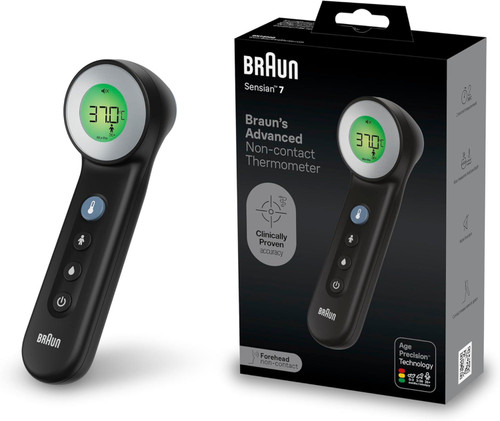
Remove the protective cap and turn on the device by pressing the on/off button.
Select child's age range
Select the age group by pressing the Age Precision Technology button.
Aim on the forehead
Use PositionCheck aiming light to help you point right between the eyebroes.
Take temperature
Three dashed lines mean the thermometer is ready to take a temperature. Press the measurement button and follow on-screen guidance to help position the thermometer at correct distance (2.5cm). The display will show a dashed line animation while it takes a reading. Once the reading is complete a confirmation beep will be heard and the appropriate fever light color will be displayed on screen.
12 Months Warranty